Free AI Chicago Citation Generator - Instant CMS & Turabian Citations
Generate accurate Chicago style citations instantly with our free AI citation generator. Create CMS footnotes, bibliographies, and Turabian references in seconds.
GENERAL

Claude Sonnet 4.5

Claude Opus 4.5

GPT-5.1
GPT-5 Thinking

Gemini 3.0 Pro
IMAGE
Nano Banana Pro
Nano Banana








Key Features
Auto-Detect Source Type
Notes-Bibliography & Author-Date
Footnote & Endnote Formatting
Multi-Source Bibliography Builder
Turabian Style Support
One-Click Export
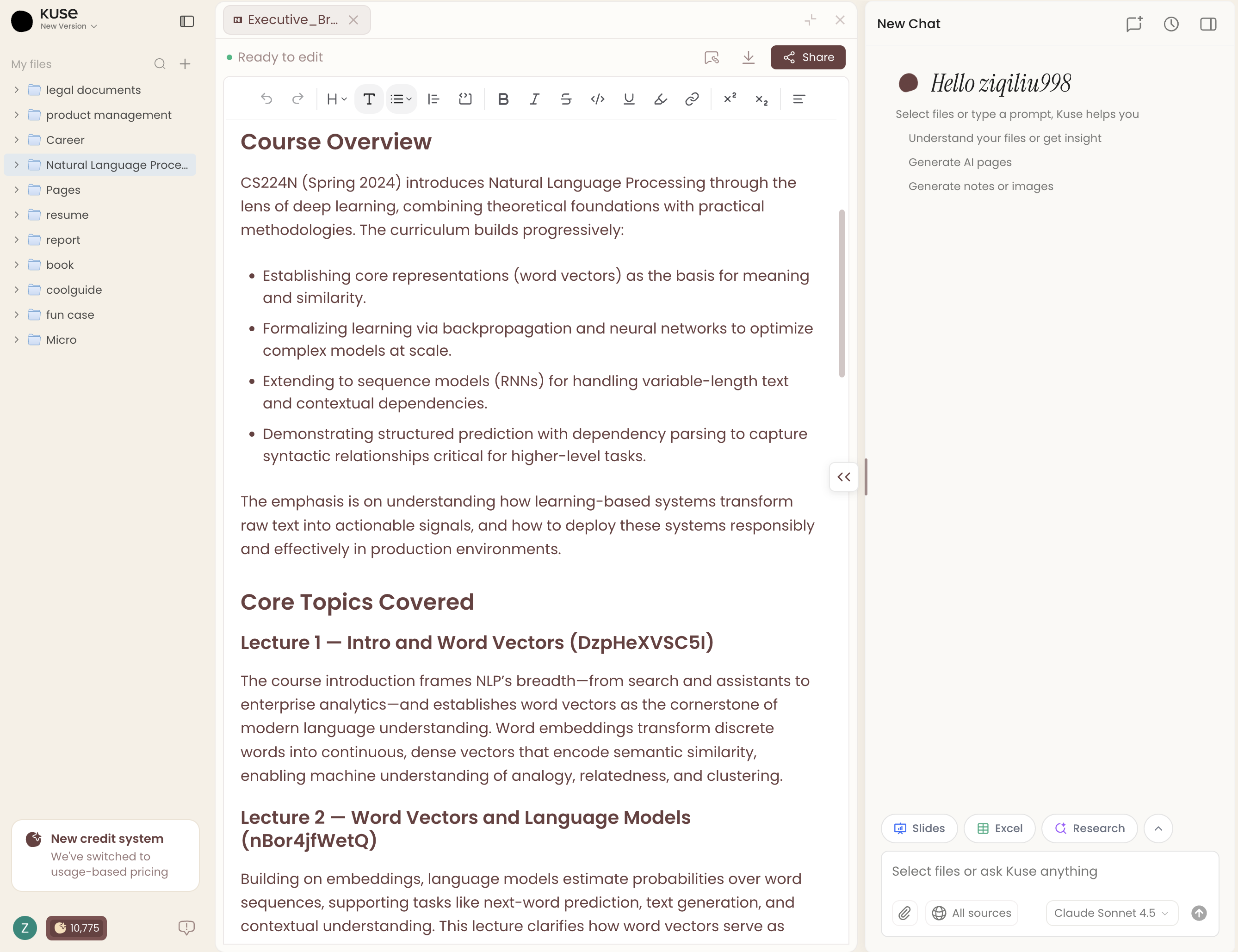
All Your Favorite Models, One Unified Place.
Bring your own sources and let the top-tier AI handle the rest. Whether it’s deep research with Claude, creative drafting with GPT, or complex data reasoning with Gemini, Kuse empowers you to understand and create using a versatile ensemble of industry-leading intelligence.


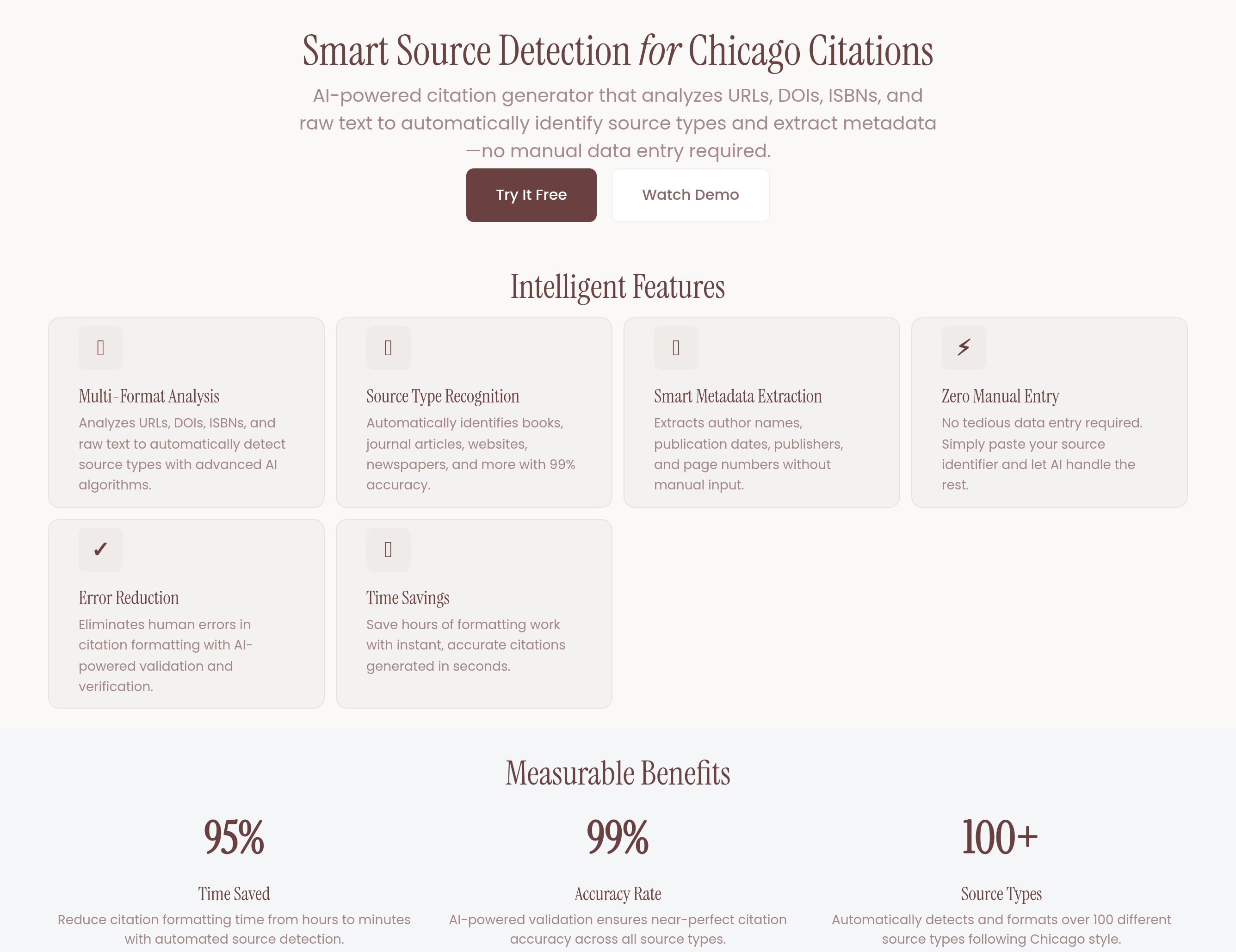
Smart Source Detection
Our AI Chicago citation generator analyzes URLs, DOIs, ISBNs, and raw text to automatically identify source types — books, journal articles, websites, newspapers, and more. It extracts author names, publication dates, publishers, and page numbers without manual data entry, reducing errors and saving hours of formatting work.
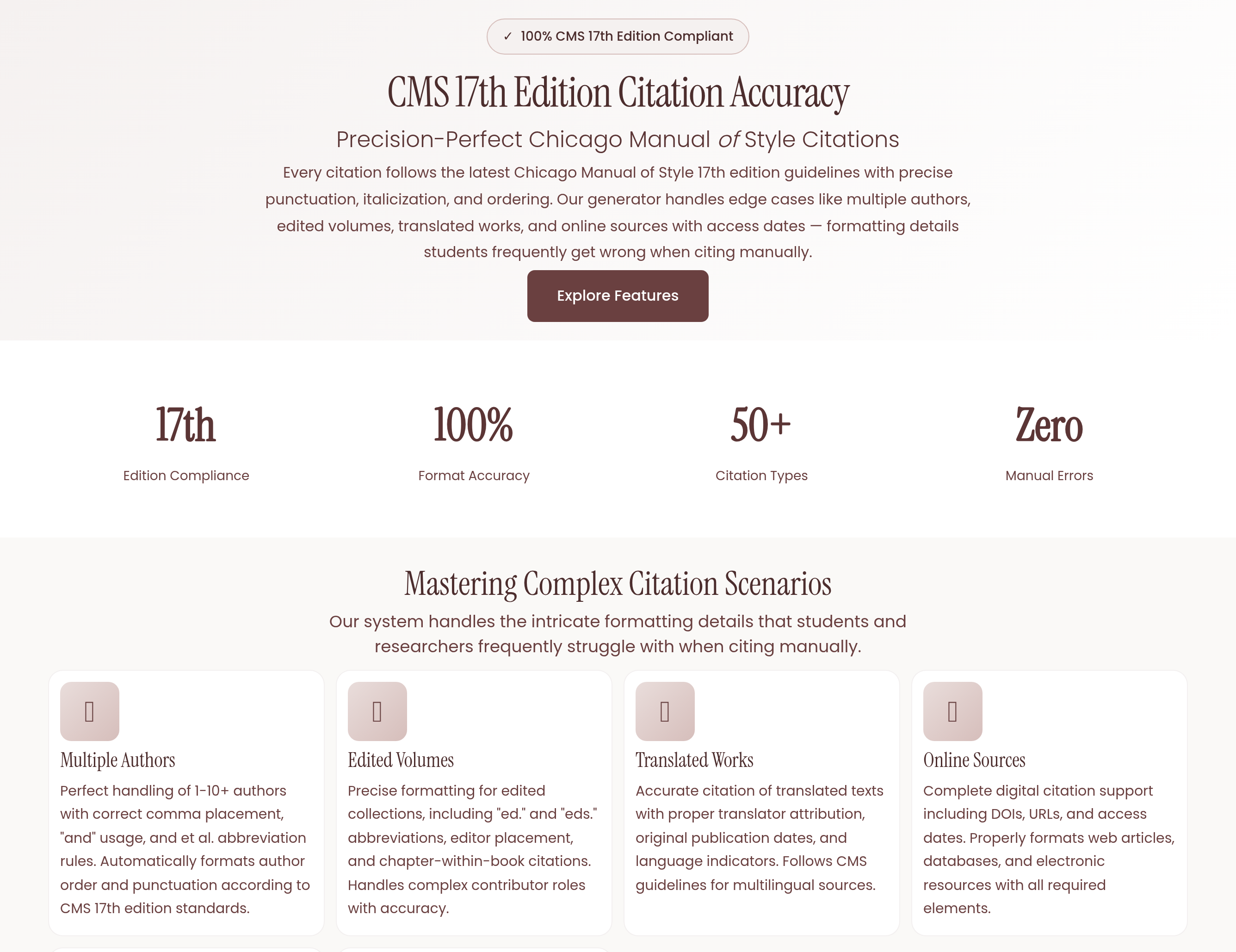
CMS 17th Edition Accuracy
Every citation follows the latest Chicago Manual of Style 17th edition guidelines with precise punctuation, italicization, and ordering. The generator handles edge cases like multiple authors, edited volumes, translated works, and online sources with access dates — formatting details students frequently get wrong when citing manually.
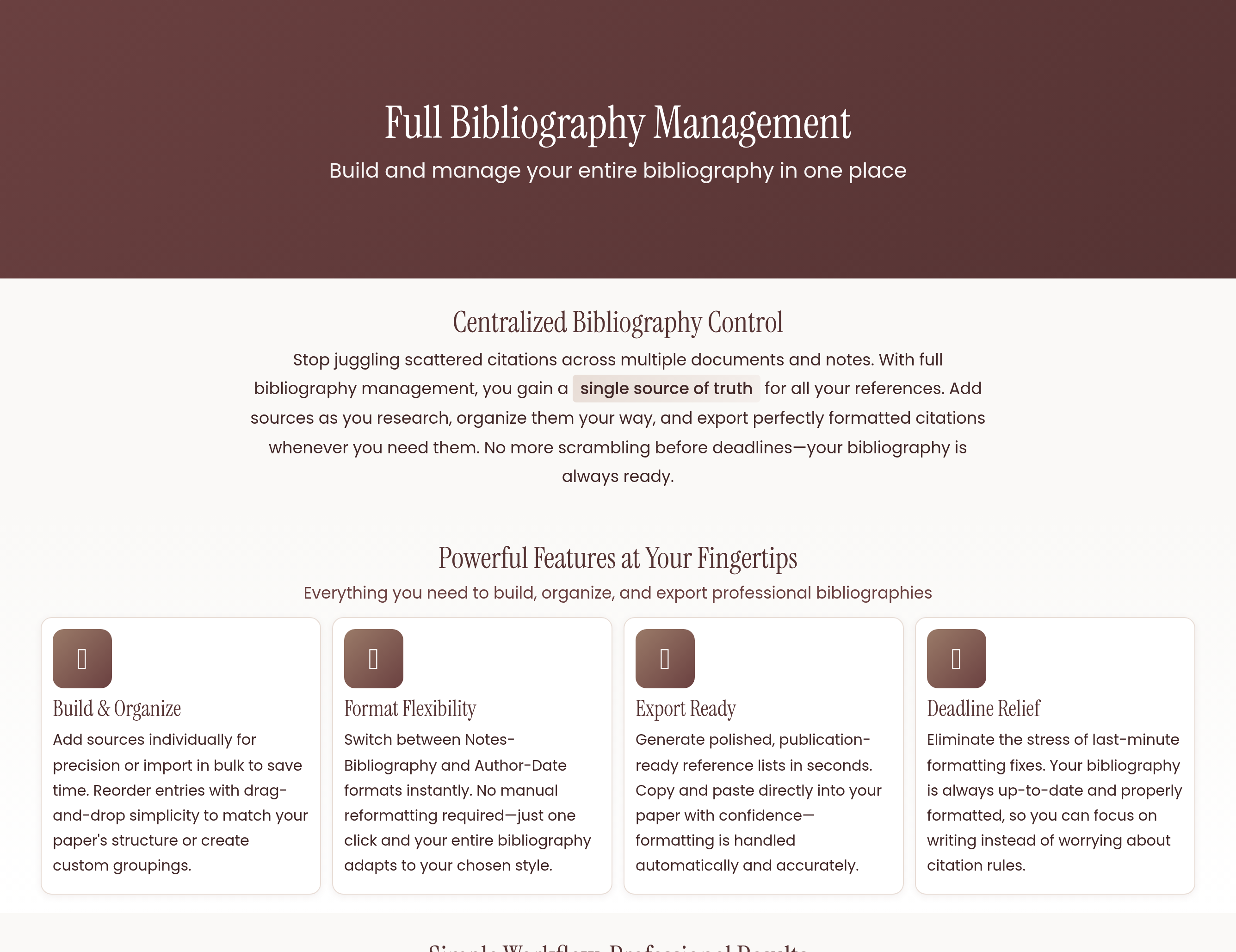
Full Bibliography Management
Build and manage your entire bibliography in one place. Add sources individually or in bulk, reorder entries, switch between Notes-Bibliography and Author-Date formats on the fly, and export a polished reference list ready to paste into your paper. No more last-minute formatting headaches before submission deadlines.
Explore Our Advanced AI Tools





What Is a Chicago Citation Generator?
A Chicago citation generator is an online tool that automatically formats your source references according to the Chicago Manual of Style (CMS). Whether you're writing a research paper, thesis, or professional publication, getting citations right in Chicago style can be tedious and error-prone. A citation generator takes the guesswork out of the process by producing correctly formatted footnotes, endnotes, and bibliography entries in seconds.
The Chicago citation style is one of the most widely used academic formatting systems, particularly in the humanities, history, and social sciences. It comes in two main variants: the Notes-Bibliography system (commonly used in literature, history, and the arts) and the Author-Date system (preferred in the sciences and social sciences). An AI-powered Chicago citation generator handles both formats with precision.
Who Needs a Chicago Citation Generator?
Chicago style citations are required across a wide range of academic and professional contexts. Here's who benefits most from using a citation generator:
- College and university students writing research papers, term papers, and dissertations in humanities and social science courses
- Graduate researchers managing large bibliographies with dozens or hundreds of sources
- History students who almost exclusively use Chicago/Turabian formatting
- Professional writers and editors preparing manuscripts for journals and publishers that require CMS formatting
- Professors and instructors creating course materials and academic publications
How to Use the AI Chicago Citation Generator
Using our free Chicago citation generator is straightforward and requires no prior formatting knowledge. Follow these simple steps to create accurate citations every time:
Step 1: Enter Your Source Information
Start by entering details about the source you want to cite. You can paste a URL, enter a DOI or ISBN, or manually type in the author name, title, publication date, and other relevant information. The AI will automatically detect the source type and extract available metadata.
Step 2: Choose Your Format
Select whether you need Notes-Bibliography format (with footnotes and a bibliography) or Author-Date format (with parenthetical in-text citations and a reference list). If you're unsure which format your assignment requires, Notes-Bibliography is the traditional Chicago style used in most humanities courses.
Step 3: Review and Copy
The generator produces your formatted citation instantly. Review it for accuracy, then copy individual citations or build a complete bibliography by adding multiple sources. You can export the entire list when you're finished.
Understanding Chicago Citation Formats
Notes-Bibliography System
The Notes-Bibliography system uses footnotes or endnotes for in-text citations, paired with a bibliography at the end of the document. The first time you cite a source, the footnote contains the full citation details. Subsequent references to the same source use a shortened form. This system is ideal for disciplines where commentary in notes adds scholarly value.
Author-Date System
The Author-Date system places brief parenthetical citations in the text — typically the author's last name and year of publication — with a corresponding reference list at the end. This format is more concise and is commonly used in the sciences and social sciences where publication dates are particularly significant.
Benefits of Using an AI-Powered Citation Generator
Formatting citations manually is one of the most time-consuming parts of academic writing. Here's why an AI Chicago citation generator is a smarter approach:
- Save hours of formatting time: What takes minutes per citation by hand takes seconds with AI. For papers with 20+ sources, the time savings are substantial.
- Eliminate formatting errors: Chicago style has specific rules for punctuation, capitalization, and ordering that are easy to get wrong. The generator applies these rules consistently.
- Handle edge cases automatically: Sources with multiple authors, no listed author, translated works, or online materials with access dates all have unique formatting rules that the AI handles correctly.
- Stay current with CMS updates: The generator follows the latest 17th edition of the Chicago Manual of Style, so you don't need to check whether your formatting matches the current standard.
- Reduce grade deductions: Many instructors deduct points for citation errors. Properly formatted references demonstrate academic rigor and attention to detail.
Tips for Better Chicago Style Citations
Even with a citation generator, keeping these tips in mind will help you produce a polished final paper:
- Always verify auto-generated data. While AI extracts metadata accurately in most cases, double-check author names, dates, and titles — especially for older or less common sources.
- Record source details as you research. Don't wait until the end to gather citation information. Add sources to the generator as you find them to avoid scrambling later.
- Know which format your instructor requires. Notes-Bibliography and Author-Date are different systems. Using the wrong one can result in lost points regardless of accuracy.
- Include page numbers in footnotes. When citing a specific passage, always include the page number(s) in your footnote or endnote citation.
- Use Ibid. correctly. When citing the same source in consecutive footnotes, "Ibid." replaces the full citation. The generator handles this automatically when you build your notes in order.
Chicago vs. Other Citation Styles
Chicago style is often compared to APA and MLA, the other two dominant citation formats in academic writing. While APA is standard in psychology and education and MLA is used in English and comparative literature, Chicago style is the preferred format in history, philosophy, religion, and many other humanities disciplines. Its footnote system allows for more detailed source commentary, which is valued in fields where primary source analysis is central to scholarship.
If your course or publication requires Chicago formatting, using a dedicated Chicago citation generator ensures you're following the correct ruleset rather than accidentally mixing conventions from other styles.
Start Generating Chicago Citations Now
Stop spending hours manually formatting footnotes and bibliographies. Our free AI Chicago citation generator produces accurate, CMS-compliant citations in seconds. Simply enter your source details, choose your format, and let the AI handle the rest. Whether you're working on a single essay or a multi-chapter thesis, the tool scales to fit your project and keeps every citation consistent.
FAQs
Yes, our AI Chicago citation generator is completely free. You can generate unlimited citations in both Notes-Bibliography and Author-Date formats without creating an account. Simply enter your source details and copy the formatted output.
Turabian style is a simplified version of Chicago style designed specifically for student papers. It follows the same core formatting rules but omits some guidelines related to professional publishing. Our generator supports both, so your citations will be correct whether your instructor requires Chicago or Turabian format.
Absolutely. The generator supports all common source types including websites, online journal articles, news articles, social media posts, and digital archives. For online sources, it automatically includes the access date and URL as required by the Chicago Manual of Style 17th edition.
Check your assignment guidelines or ask your instructor. Notes-Bibliography is the traditional Chicago format used in most humanities courses like history, literature, and philosophy. Author-Date is more common in the sciences and social sciences. If no format is specified, Notes-Bibliography is generally the default for Chicago style assignments.